

-
Navigate the your platform url “<companyname>.monolithai.app”
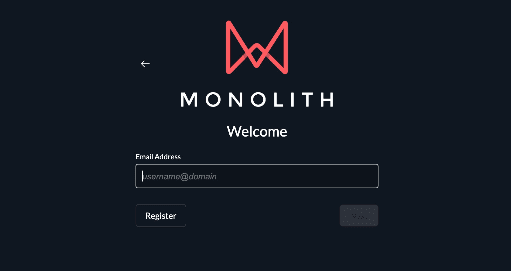
-
Click the “Email Address” field
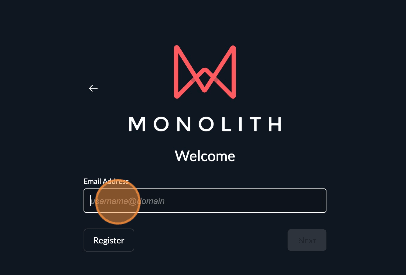
- Add your email to the email address field, for example “sample.user@monolithai.com”
-
Click “Next” instead of register, if your email domain has been whitelisted. Otherwise, click ‘Register’
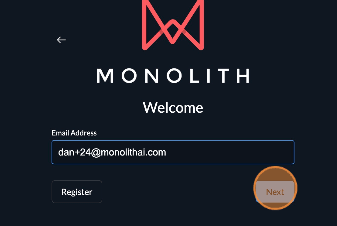
-
Enter in your details and create a secure password
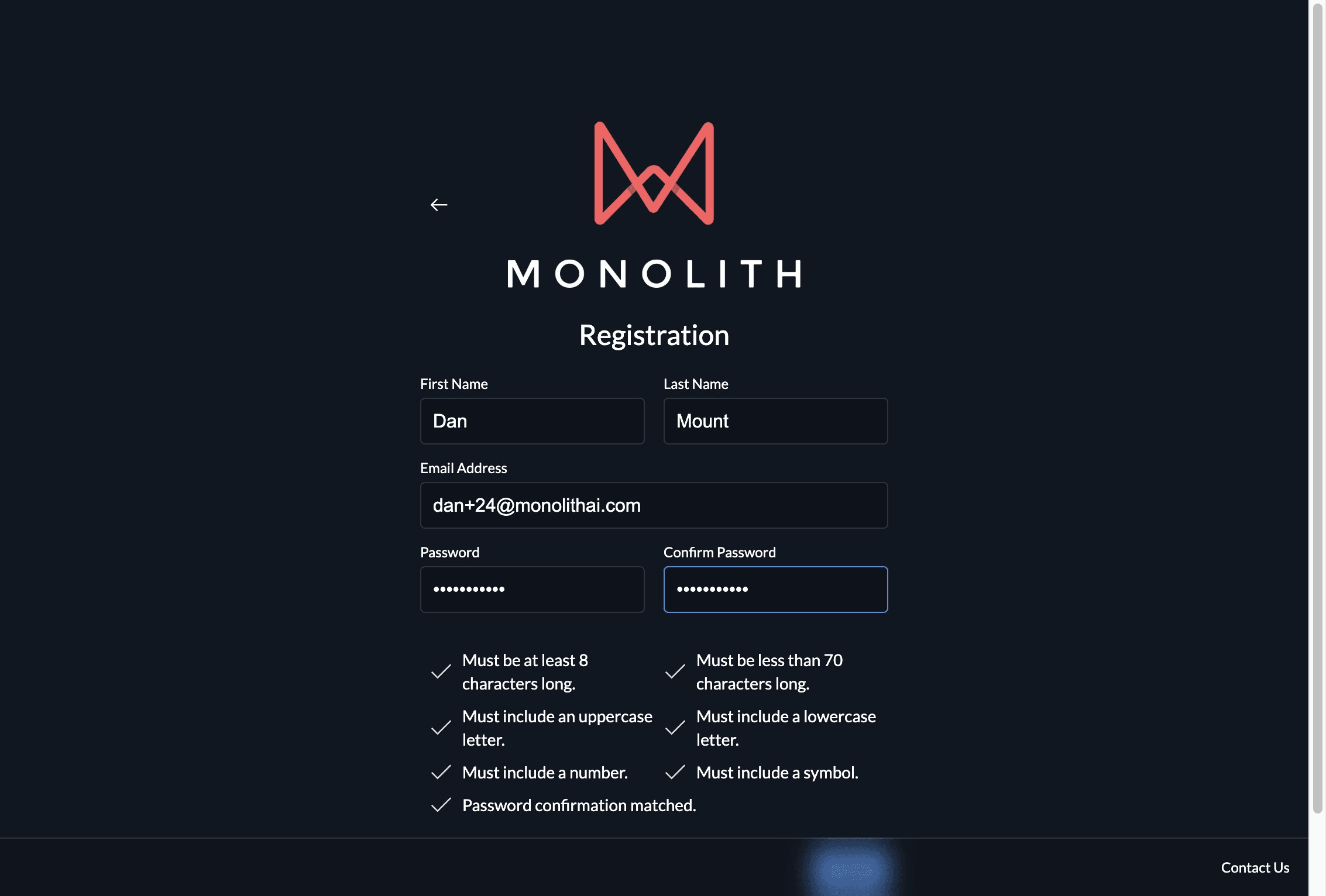
- Click “Next”
-
A verification code will be sent to the email address you are registering with.
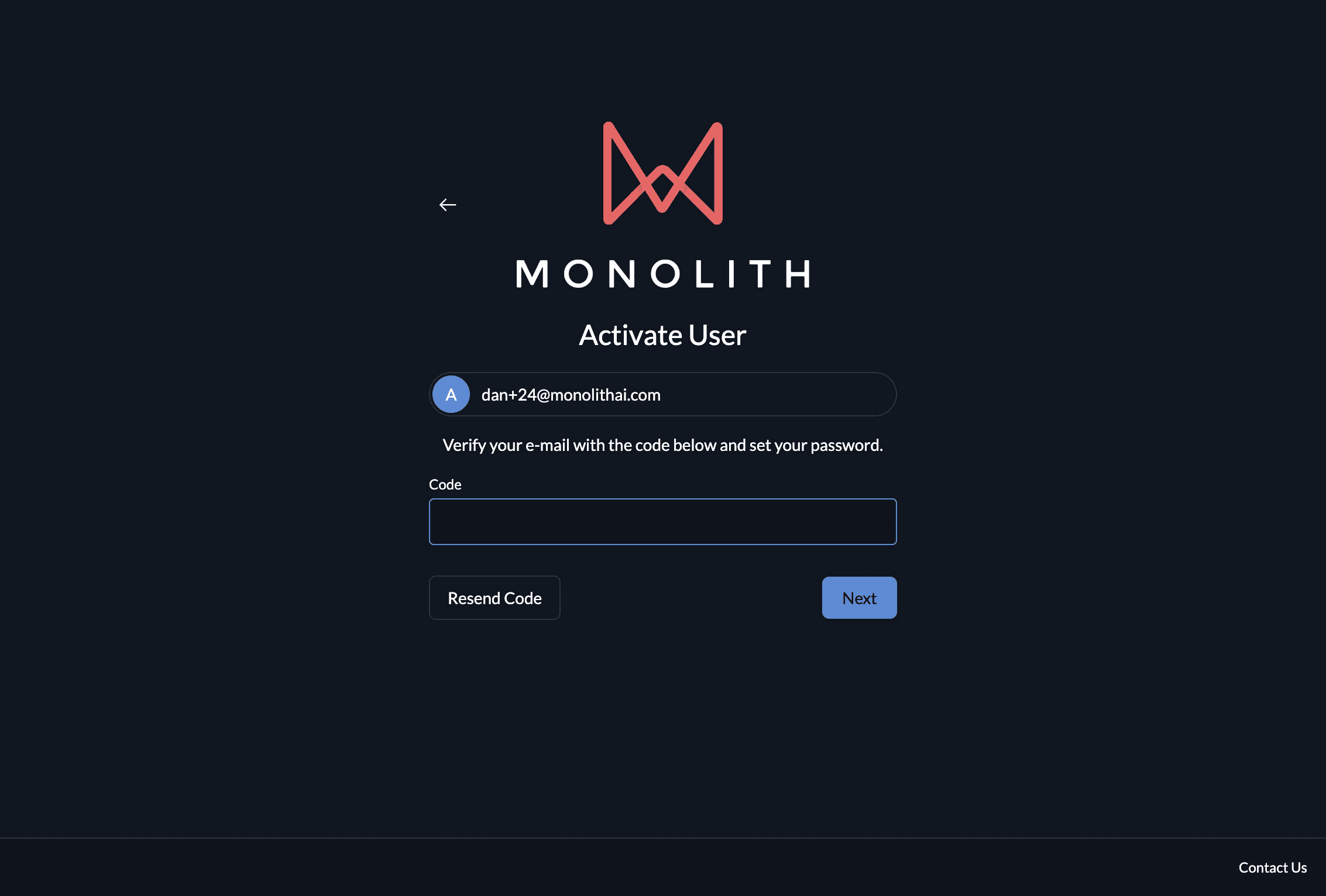
- Enter this code and click “Next”
-
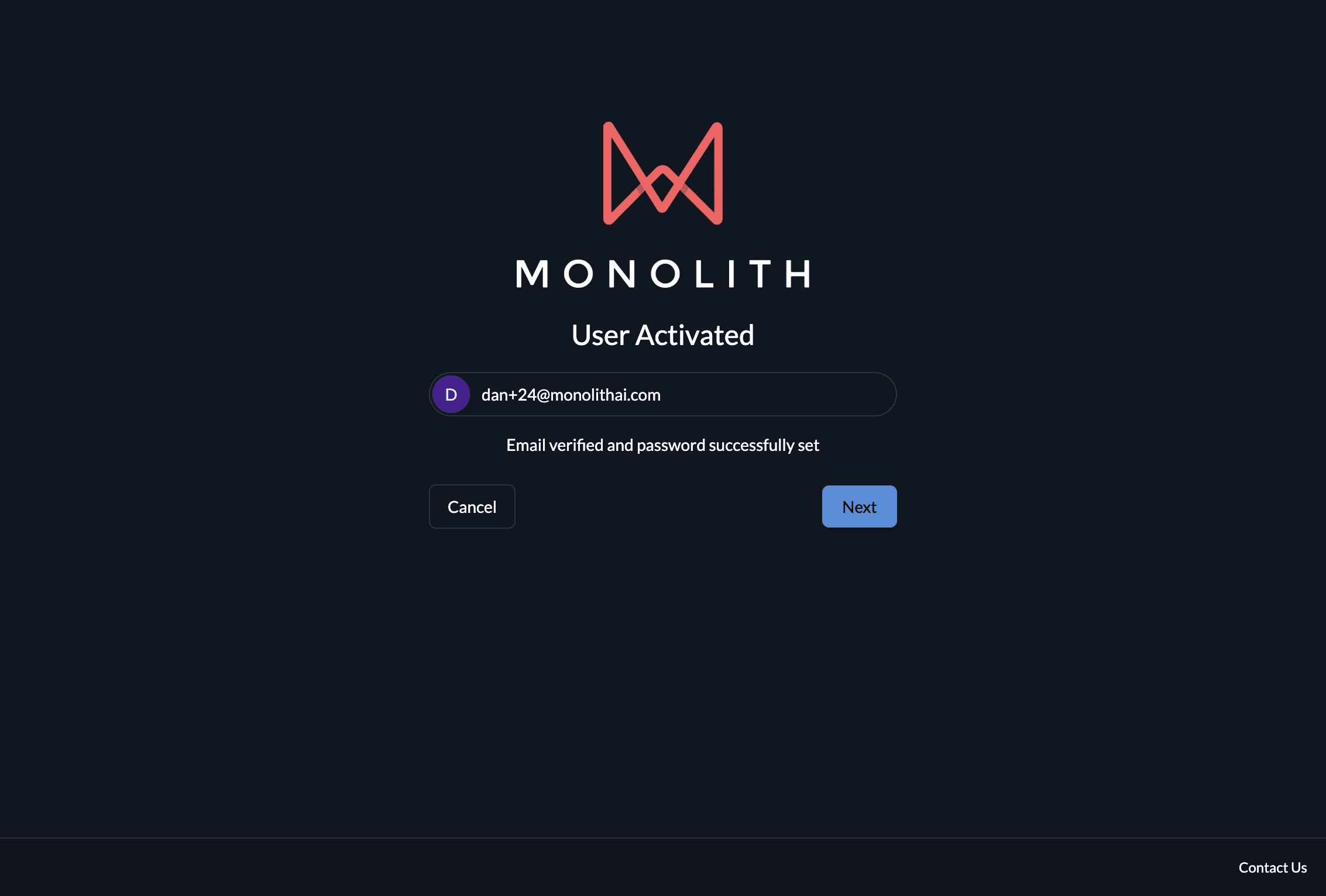
Congratulations! You have completed user registration.
Platform Registration
Steps to register a user account on your company’s Monolith platform URL, with email verification.
Last modified on July 31, 2026