For instructions about accessing CoreWeave Grafana dashboards, see Access and use CoreWeave Grafana dashboards.
View the dashboard
This section explains the permissions you need and how to open the dashboard in Grafana.To see data in the Usage by Product and Zone dashboard, you need both the Observability Viewer and Billing Viewer roles in an IAM Access Policy. (In the legacy CoreWeave permissions model, membership in the
metrics and billing_viewer groups also grants this access.)Measured usage versus net usage
Before reviewing the individual panels, it helps to understand the two usage values that the dashboard reports for each resource type. The dashboard shows two sets of cards for each resource type (GPUs, CPUs, Storage, IP Addresses):- Measured usage (all metered usage): All usage metered by CoreWeave before any exclusions, adjustments, or special programs are applied.
- Net usage (after exclusions): Usage remaining after CoreWeave-level exclusions and adjustments are applied. This net usage is what CoreWeave uses as the basis for your billing, subject to your contract terms (for example, rates, discounts, and credits).
Panels
The following sections describe each panel on the dashboard, including the metric it displays and how measured and net usage relate to it. The Usage by Product and Zone dashboard contains the following panels:GPUs panel
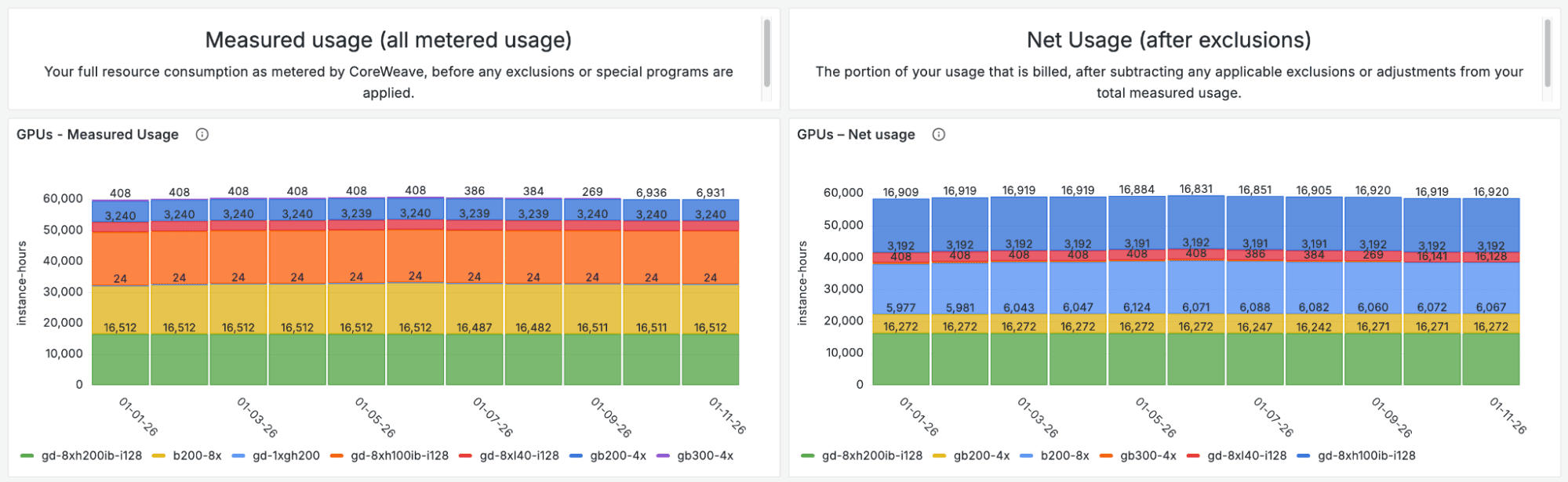
The GPUs panel displays daily aggregate instance-hours by product and zone:- GPUs - Measured usage: Shows all GPU instance-hours metered by CoreWeave, grouped by product and zone, before any exclusions, adjustments, or special programs are applied.
- GPUs - Net usage: Shows GPU instance-hours after CoreWeave-level exclusions and adjustments have been applied. This net usage is used as the basis for your billing, subject to your contract terms.
CPUs panel
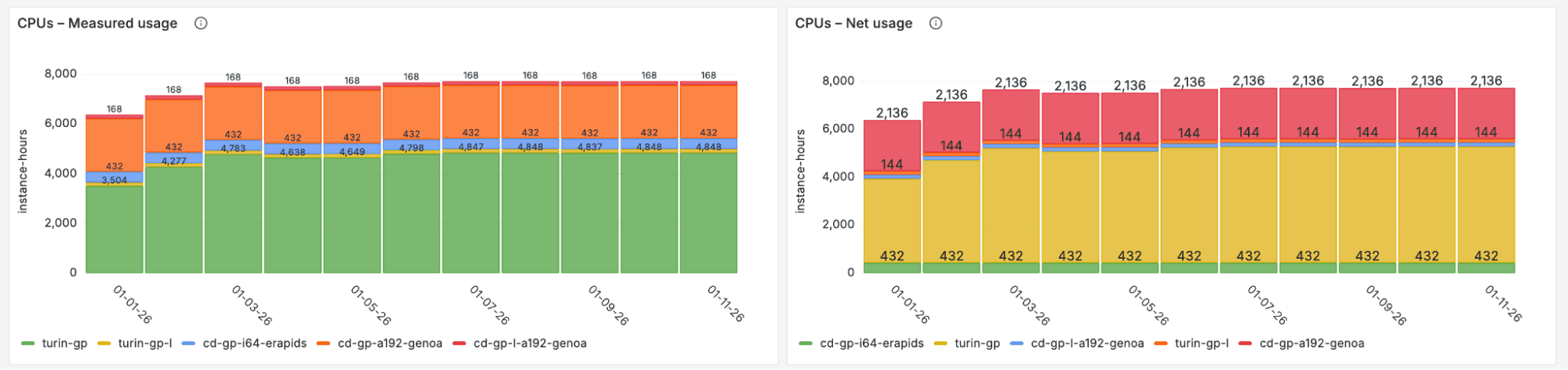
The CPUs panel displays daily aggregate instance-hours by product and zone:- CPUs - Measured usage: Shows all CPU instance-hours metered by CoreWeave, grouped by product and zone, before any exclusions, adjustments, or special programs are applied.
- CPUs - Net usage: Shows CPU instance-hours after CoreWeave-level exclusions and adjustments have been applied. This net usage is used as the basis for your billing, subject to your contract terms.
Storage panel
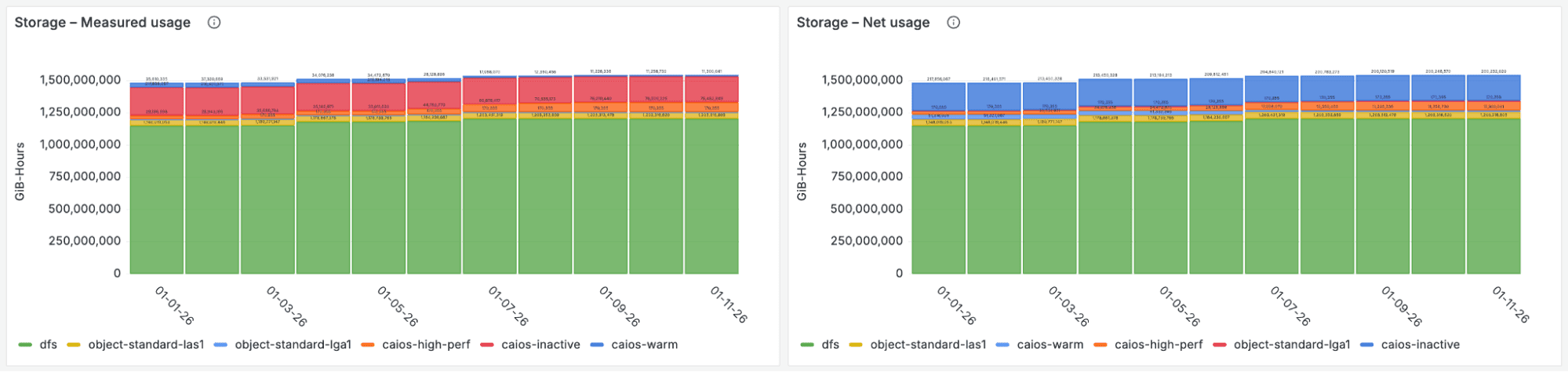
The Storage section contains two panels that show Distributed File Storage (POSIX) usage by product and zone:- Storage - Measured usage: Shows daily aggregate GiB-hours of provisioned Distributed File Storage, grouped by product and zone, before any exclusions or adjustments.
- Storage - Net usage: Shows daily aggregate GiB-hours of storage after CoreWeave-level exclusions and adjustments have been applied. This net storage usage is used as part of the basis for your billing, subject to your contract terms.
IP addresses panel
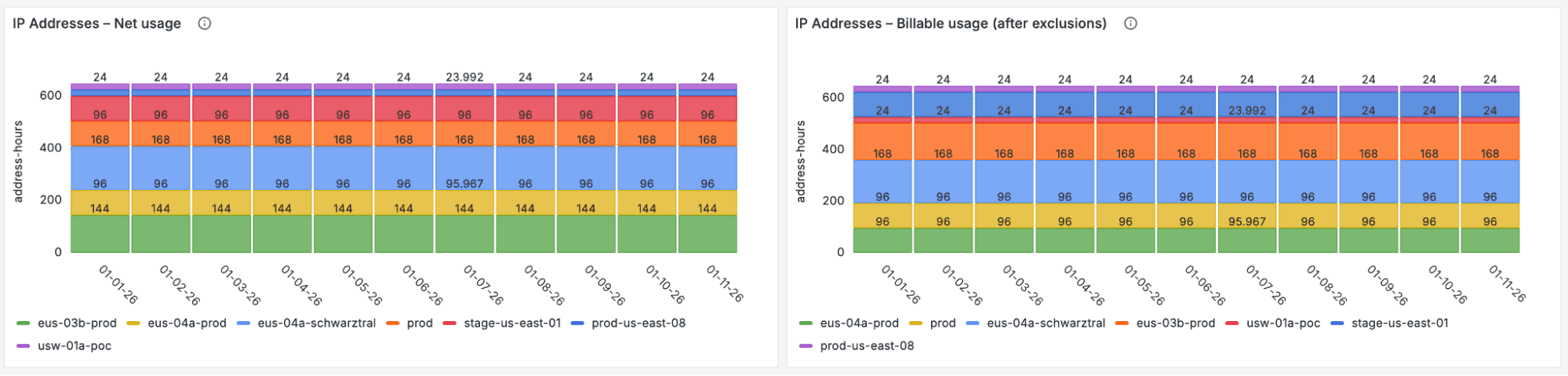
The IP Addresses section contains two panels that show IP address allocation by product and zone:- IP Addresses - Measured usage: Shows daily aggregate address-hours allocated, grouped by IP address, product, and zone, before any exclusions or adjustments.
- IP Addresses - Net usage: Shows daily aggregate address-hours after CoreWeave-level exclusions and adjustments have been applied. This net IP usage is used as part of the basis for your billing, subject to your contract terms.