> ## Documentation Index
> Fetch the complete documentation index at: https://docs.coreweave.com/llms.txt
> Use this file to discover all available pages before exploring further.
> Embed W&B reports directly into Notion or with an HTML `iframe` element.
# Embed a report
Embed a W\&B report in an external page or tool so that your team can view live experiment results alongside other documentation. This page describes how to generate an embed code from a report and use it in HTML, Confluence, Notion, or Gradio.
## HTML `iframe` element
Use an HTML `iframe` element to embed a report on any web page that accepts custom HTML. Weights & Biases provides a prebuilt embed code that you can copy directly from the report.
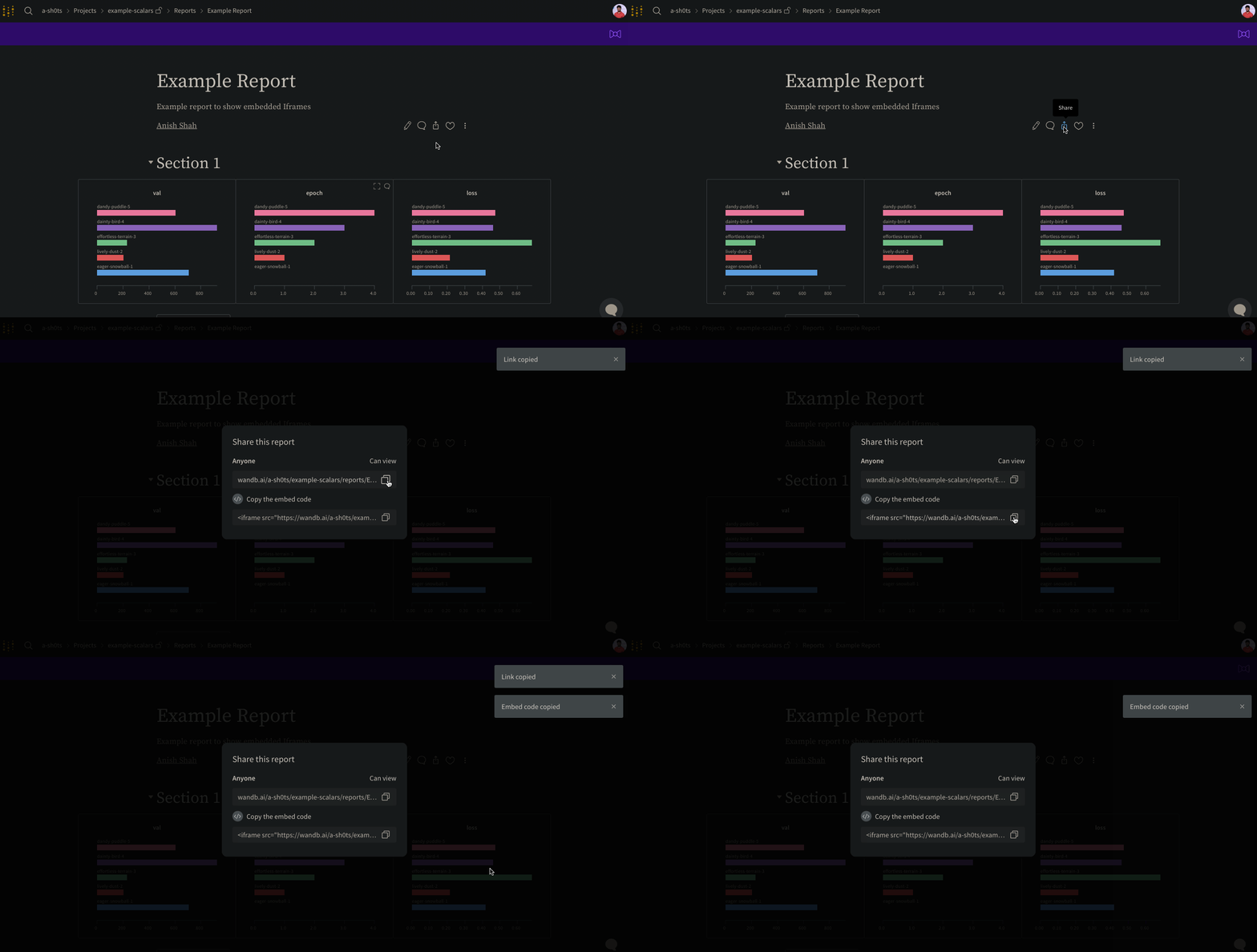
In the upper right of a report, select the **Share** button to open a dialog, then select **Copy embed code**. The copied snippet is an `iframe` HTML element that you can paste into any page that accepts custom HTML.
You can only embed and render reports from public projects or reports that you've shared using [view-only links](/products/wandb/reports/cross-project-reports#view-only-report-links) (the link's access token is part of the URL).
 ## Confluence
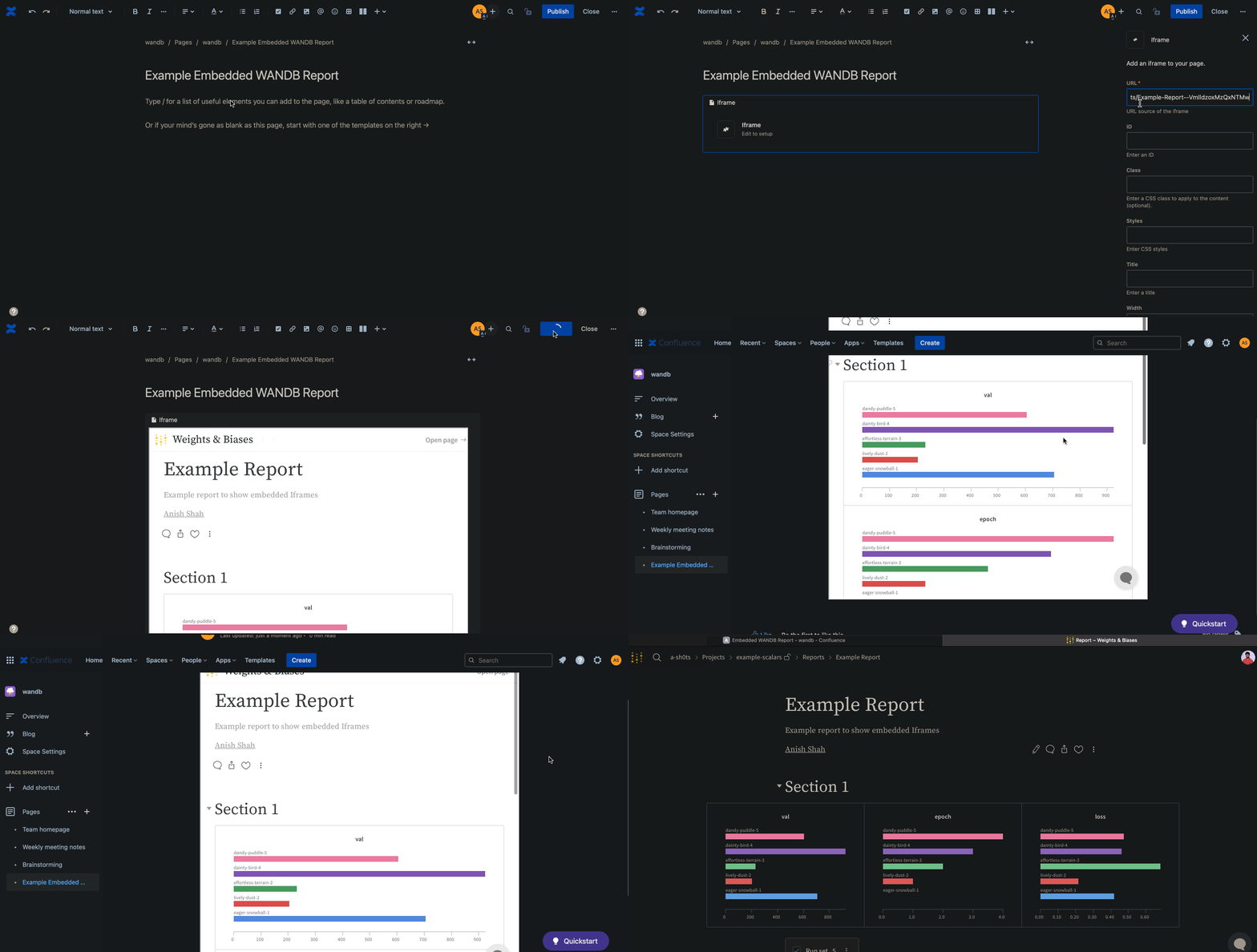
Confluence supports embedded reports through its built-in `iframe` macro. The following animation demonstrates how to insert the direct link to the report within an `iframe` cell in Confluence.
## Confluence
Confluence supports embedded reports through its built-in `iframe` macro. The following animation demonstrates how to insert the direct link to the report within an `iframe` cell in Confluence.
 ## Notion
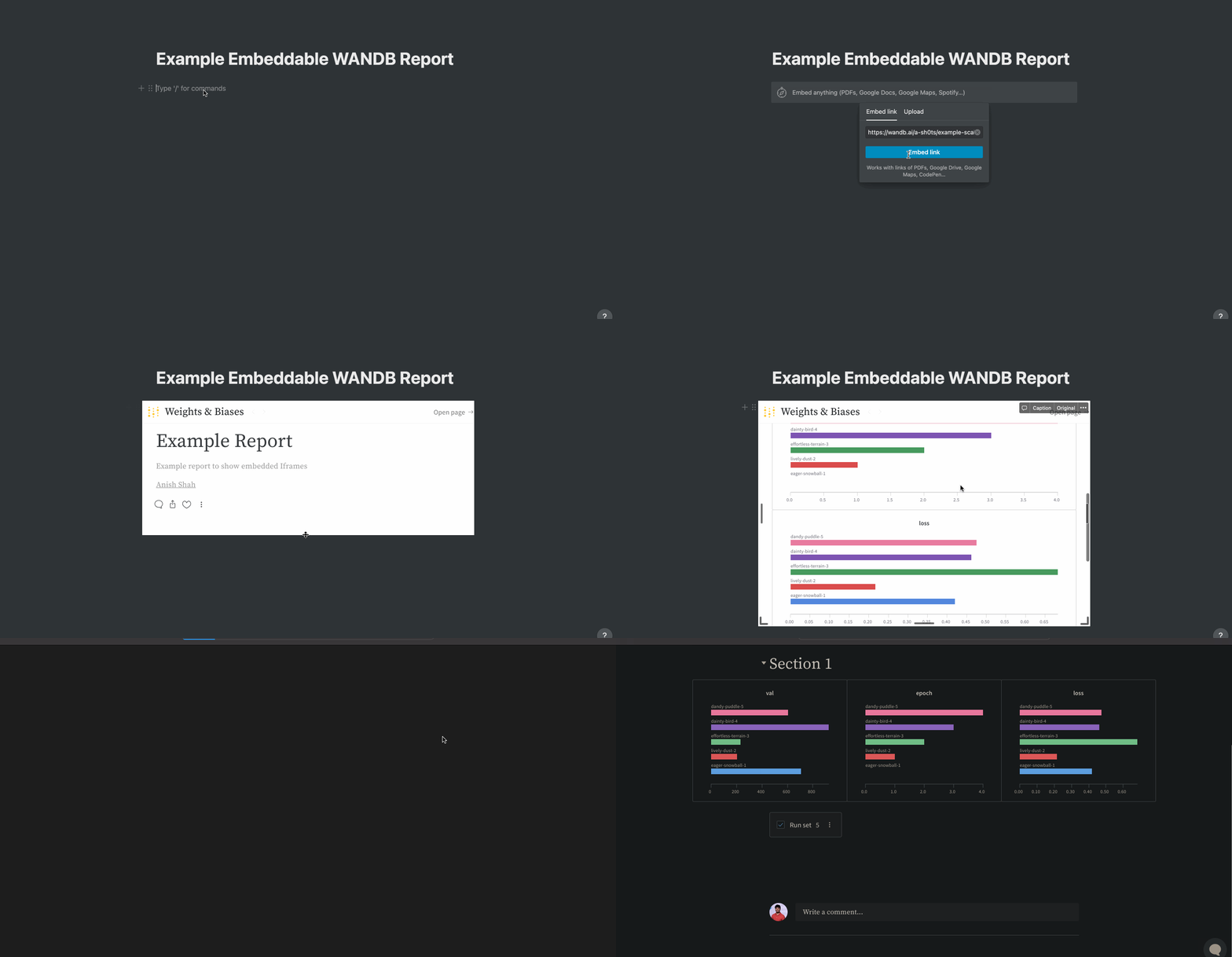
Notion's **Embed** block accepts the same embed code that Weights & Biases provides. The following animation demonstrates how to insert a report into a Notion document using an **Embed** block in Notion and the report's embed code.
## Notion
Notion's **Embed** block accepts the same embed code that Weights & Biases provides. The following animation demonstrates how to insert a report into a Notion document using an **Embed** block in Notion and the report's embed code.
 ## Gradio
To embed a W\&B report in a Gradio app, including an app hosted on Hugging Face Spaces, use Gradio's `gr.HTML` element to render an `iframe` that points to the report URL.
```python theme={"system"}
import gradio as gr
def wandb_report(url):
iframe = f'
## Gradio
To embed a W\&B report in a Gradio app, including an app hosted on Hugging Face Spaces, use Gradio's `gr.HTML` element to render an `iframe` that points to the report URL.
```python theme={"system"}
import gradio as gr
def wandb_report(url):
iframe = f'