> ## Documentation Index
> Fetch the complete documentation index at: https://docs.coreweave.com/llms.txt
> Use this file to discover all available pages before exploring further.
> 折れ線グラフでスムージングを使用して、ノイズの多いデータの傾向を把握します。
# 折れ線グラフのスムージング
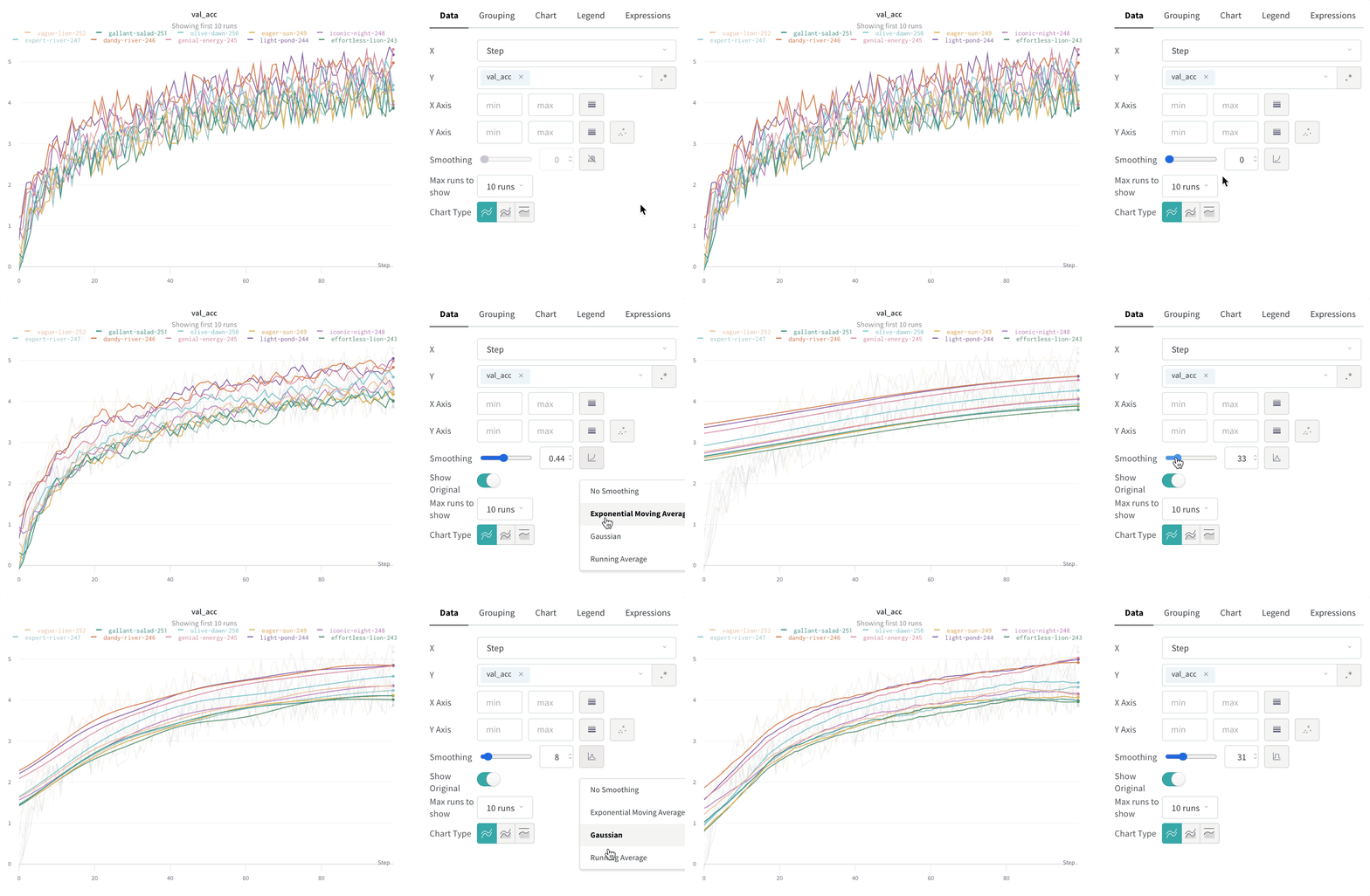
スムージングを使用すると、ポイント間のばらつきが抑えられ、基になるシグナルが読み取りやすくなるため、ノイズの多い折れ線グラフでも傾向を把握しやすくなります。このページでは、W\&B がサポートするスムージングアルゴリズムと、それぞれが効果を発揮する場面、および元データを表示したままにするかどうかを制御する方法について説明します。
W\&B は、次のタイプのスムージングをサポートしています。
* [時間加重指数移動平均 (TWEMA) スムージング](#time-weighted-exponential-moving-average-twema-smoothing-default)
* [ガウススムージング](#gaussian-smoothing)
* [移動平均](#running-average-smoothing)
* [指数移動平均 (EMA) スムージング](#exponential-moving-average-ema-smoothing)
これらのアルゴリズムを実際のデータに適用した例については、こちらの[インタラクティブな W\&B report](https://forge.coreweave.com/wandb/carey/smoothing-example/reports/W-B-Smoothing-Features--Vmlldzo1MzY3OTc) を参照してください。
時間加重指数移動平均 (TWEMA) スムージング (デフォルト)
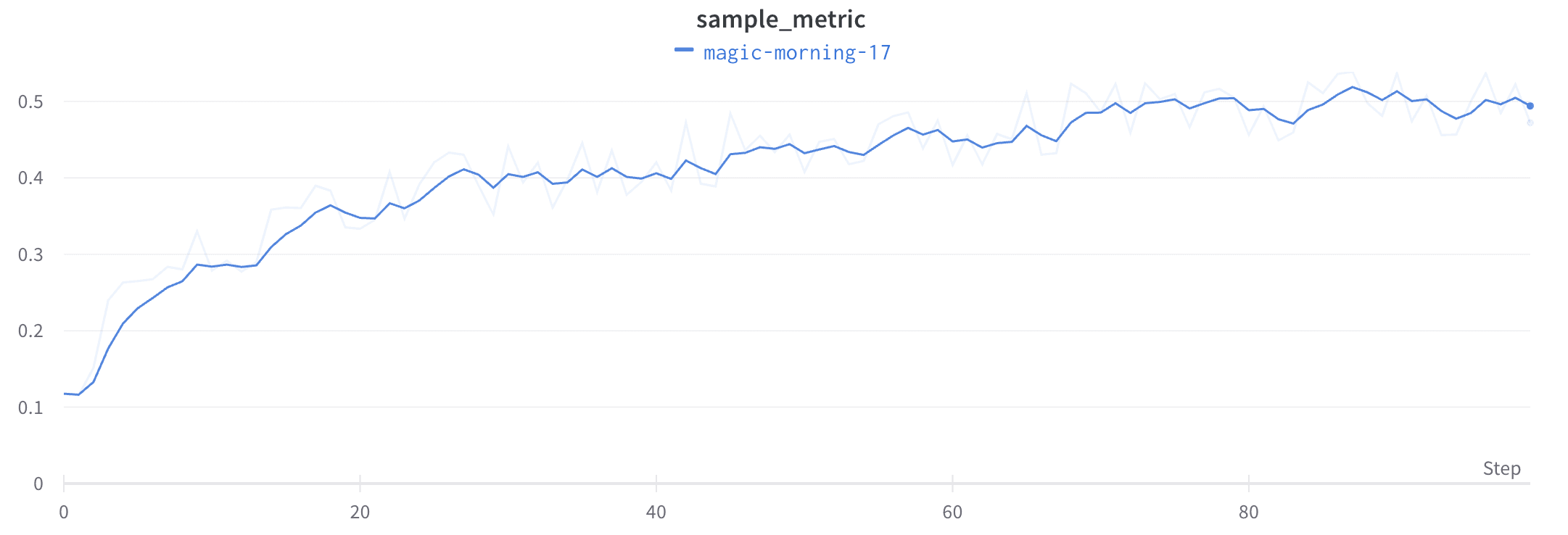
時間加重指数移動平均 (TWEMA) スムージングアルゴリズムは、過去のポイントの重みを指数関数的に減衰させることで時系列データをスムージングする手法です。この手法の詳細については、[Exponential Smoothing](https://www.wikiwand.com/en/Exponential_smoothing) を参照してください。範囲は 0 から 1 です。時系列の初期の値がゼロ側に偏らないよう、バイアス補正項が加えられています。
TWEMA アルゴリズムは、線上のポイントの密度 (x 軸の単位範囲あたりの `y` 値の数) を考慮します。そのため、特性の異なる複数の線を同時に表示する場合でも、一貫したスムージングを適用できます。
以下のサンプルコードは、内部での動作の仕組みを示しています。
```javascript theme={"system"}
const smoothingWeight = Math.min(Math.sqrt(smoothingParam || 0), 0.999);
let lastY = yValues.length > 0 ? 0 : NaN;
let debiasWeight = 0;
return yValues.map((yPoint, index) => {
const prevX = index > 0 ? index - 1 : 0;
// VIEWPORT_SCALE で、結果をチャートの x 軸の範囲に合わせてスケーリングします
const changeInX =
((xValues[index] - xValues[prevX]) / rangeOfX) * VIEWPORT_SCALE;
const smoothingWeightAdj = Math.pow(smoothingWeight, changeInX);
lastY = lastY * smoothingWeightAdj + yPoint;
debiasWeight = debiasWeight * smoothingWeightAdj + 1;
return lastY / debiasWeight;
});
```
このアルゴリズムをライブデータに適用した例は、[インタラクティブな W\&B report の TWEMA セクション](https://forge.coreweave.com/wandb/carey/smoothing-example/reports/W-B-Smoothing-Features--Vmlldzo1MzY3OTc)で確認できます。
ガウススムージング
ガウススムージング (ガウシアンカーネルスムージングとも呼ばれます) は、各ポイントの加重平均を計算する手法です。重みは、スムージングパラメーターで指定した標準偏差を持つガウス分布に従います。W\&B は、各入力 `x` 値について、その前後にあるポイントに基づいてスムージング後の値を計算します。
このアルゴリズムをライブデータに適用した例については、[インタラクティブな W\&B report のガウススムージングのセクション](https://forge.coreweave.com/wandb/carey/smoothing-example/reports/W-B-Smoothing-Features--Vmlldzo1MzY3OTc#3.-gaussian-smoothing)を参照してください。
移動平均スムージング
移動平均は、指定された `x` 値の前後のウィンドウ内にあるポイントの平均値で、そのポイントを置き換えるスムージングアルゴリズムです。詳しくは、[Wikipedia の「Boxcar Filter」](https://en.wikipedia.org/wiki/Moving_average)を参照してください。移動平均で選択するパラメーターでは、移動平均の計算に含めるポイント数を指定します。
x 軸上のポイントの間隔が不均等な場合は、代わりにガウススムージングを使用してください。ポイントの密度にばらつきがあると、固定幅のウィンドウでは実態を反映しない平均値が算出されるおそれがあります。
このアルゴリズムをライブデータに適用した例は、[インタラクティブな W\&B report の移動平均セクション](https://forge.coreweave.com/wandb/carey/smoothing-example/reports/W-B-Smoothing-Features--Vmlldzo1MzY3OTc#4.-running-average)で確認できます。
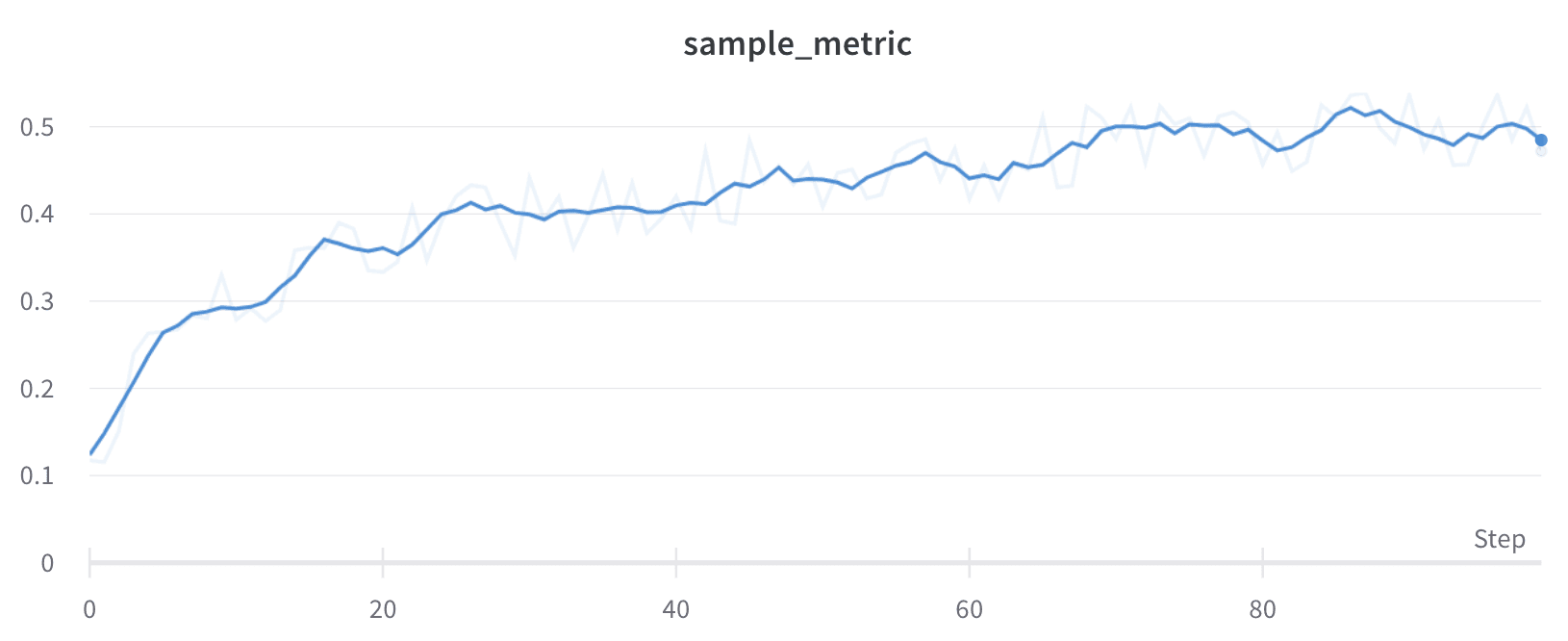
指数移動平均 (EMA) スムージング
指数移動平均 (EMA) スムージングアルゴリズムは、指数ウィンドウ関数を使用して時系列データをスムージングするヒューリスティックな手法です。この手法の詳細については、[Exponential Smoothing](https://www.wikiwand.com/en/Exponential_smoothing) を参照してください。値の範囲は 0 から 1 です。時系列の初期の値がゼロ方向に偏らないよう、バイアス補正項が加えられます。
ほとんどの場合、EMA スムージングは、先にバケット化してからスムージングするのではなく、履歴全体をスキャンして適用されます。通常は、この方法のほうがより正確なスムージング結果が得られます。
以下の場合は、EMA スムージングがバケット化の後に適用されます。
* サンプリング
* グループ化
* 式
* 単調でない x 軸
* 時間ベースの x 軸
以下のサンプルコードは、内部の動作を示しています。
```javascript theme={"system"}
data.forEach(d => {
const nextVal = d;
last = last * smoothingWeight + (1 - smoothingWeight) * nextVal;
numAccum++;
debiasWeight = 1.0 - Math.pow(smoothingWeight, numAccum);
smoothedData.push(last / debiasWeight);
```
このアルゴリズムをライブデータに適用した例は、[インタラクティブな W\&B report の EMA セクション](https://forge.coreweave.com/wandb/carey/smoothing-example/reports/W-B-Smoothing-Features--Vmlldzo1MzY3OTc)で確認できます。
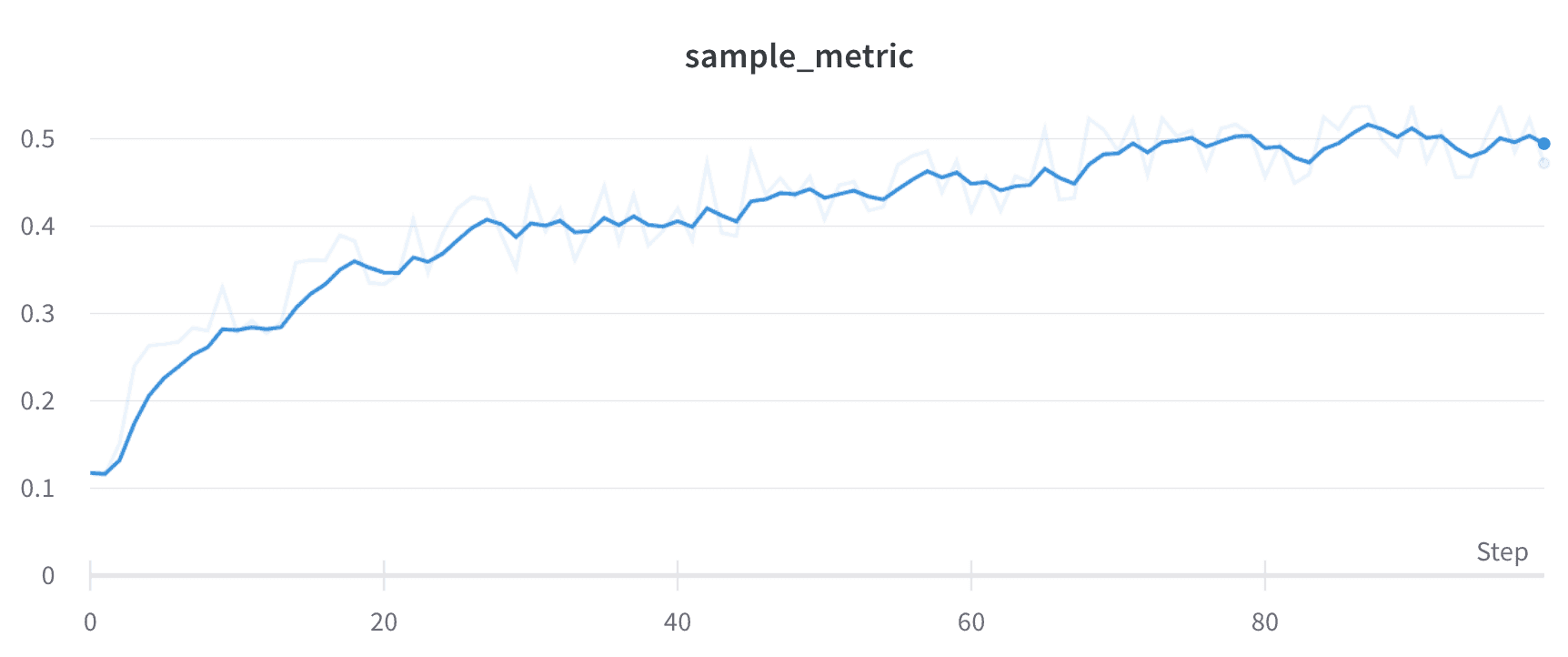
元データを非表示にする
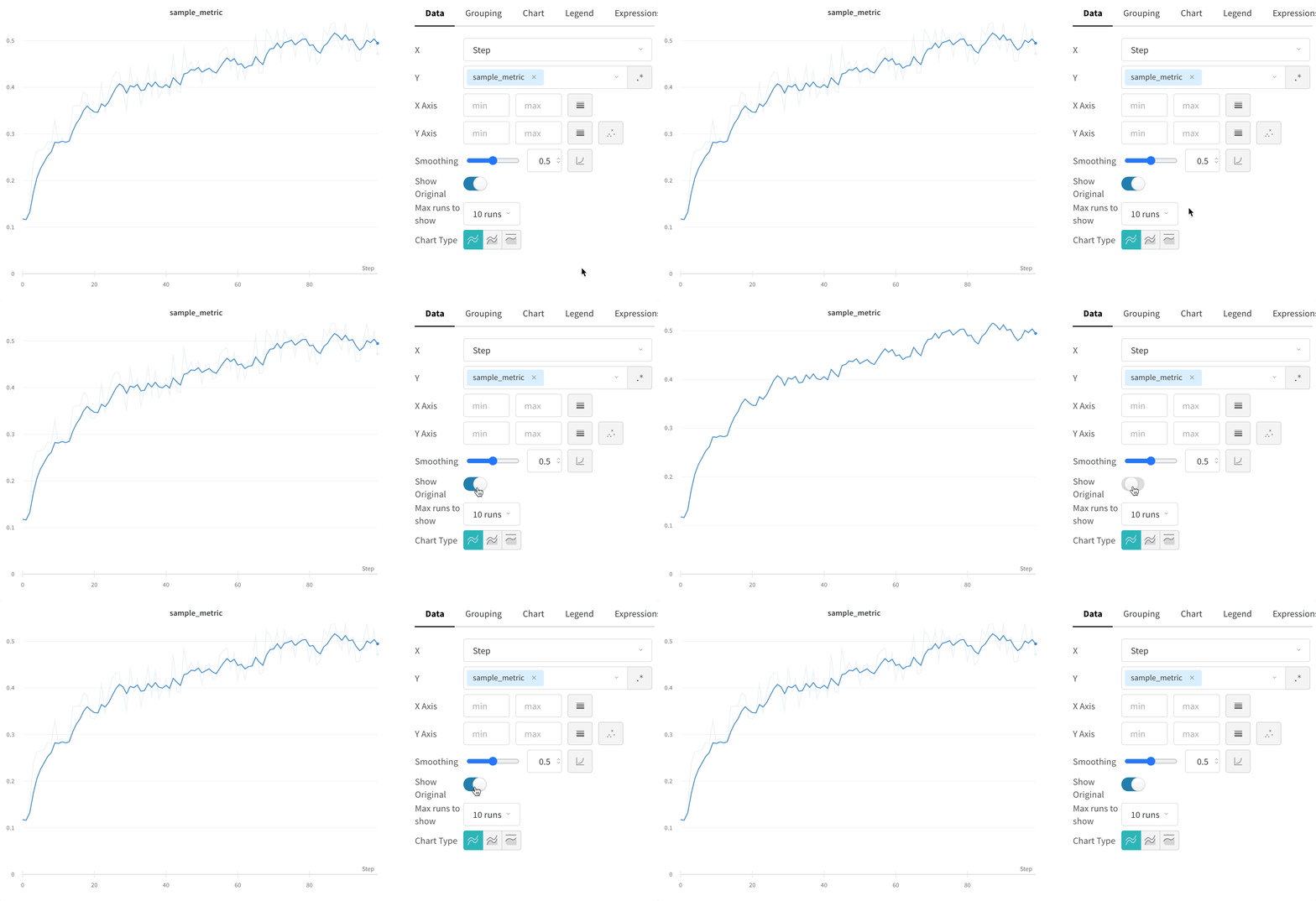
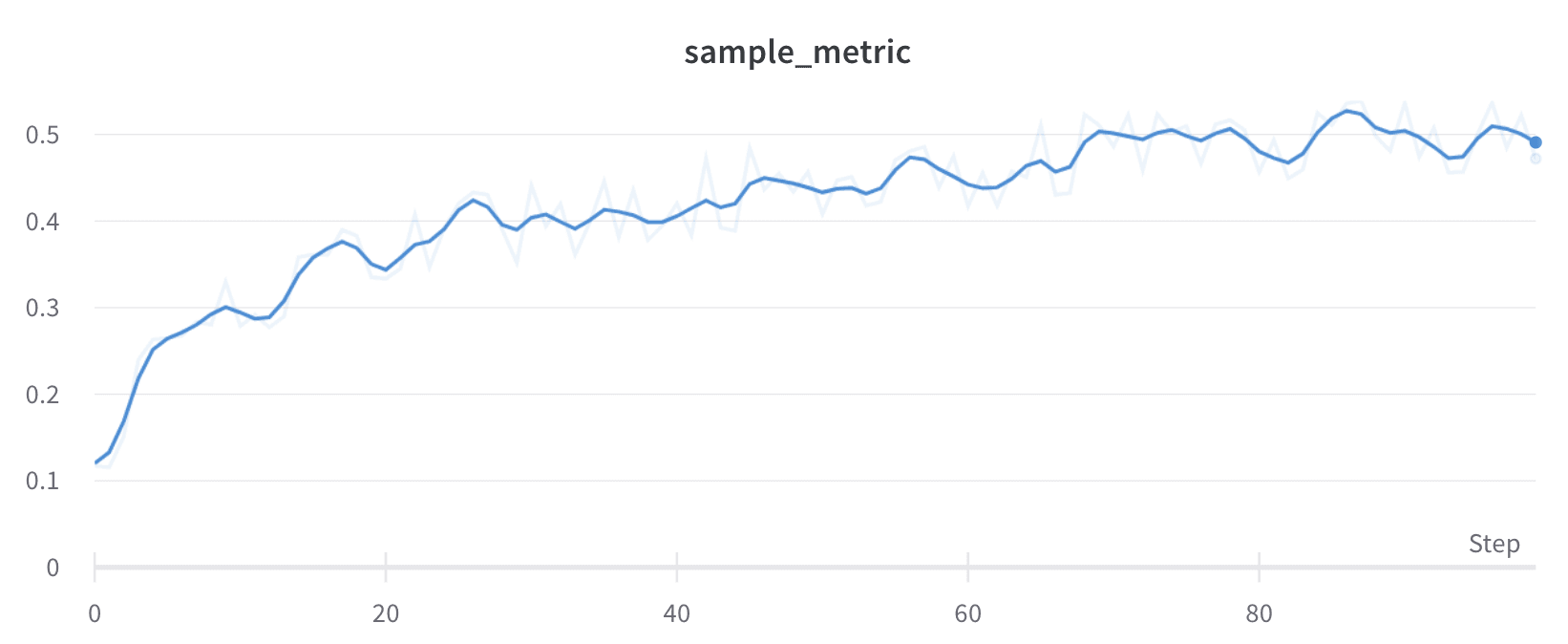
スムージング後の線と生データを比較すると、スムージングによってシグナルがどの程度大きく変化しているかを判断できます。デフォルトでは、スムージング前の元データが薄い線としてプロットの背景に表示されます。非表示にするには、**Show Original** をクリックします。